
Pull Printing
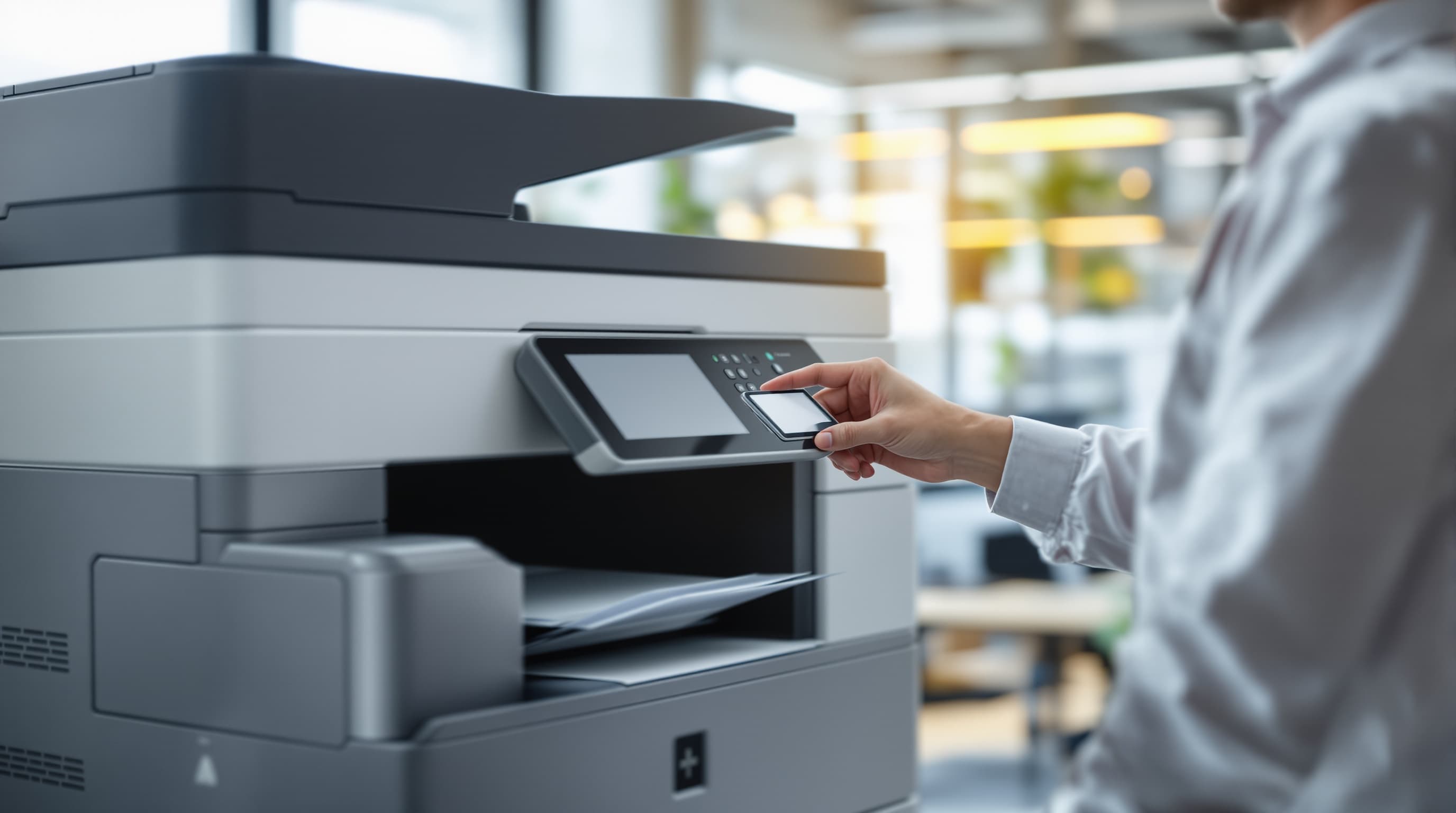
With pull printing, a print job stays in the queue until the person identifies themselves at the device.
IT Glossary
In brief
Setting up print servers or using network printers brings many advantages. For instance, significantly fewer devices are required, as employees can share printers. In addition, maintenance effort decreases significantly. However, there are still companies that rely on desktop printers that are directly connected to the PC. This is because employees frequently forget documents in the device when printers are shared. Not only does this incur unnecessary costs, but the data contained within them can also fall into the wrong hands. Pull Printing can compensate for these disadvantages and therefore represents an interesting option for IP printers.

How does Pull Printing work?
When an employee prints a document via a standard print server or network printer, the printer processes the job immediately. Delays only occur if there are already other documents in the queue. However, the office worker who placed the print order often initially remains at their desk and only collects the printed papers later. However, this can lead to them forgetting the documents, so that they are left lying in the printer. Furthermore, it is possible for another employee to confuse them and take them by mistake.
With Pull Printing , however, it is necessary to release the print job directly at the device. When an employee submits a job, it initially remains in the queue. When they want to collect the documents, they must first authenticate themselves at the device. This is possible, for example, with a card reader or a smartphone app. Once authentication is complete, the device starts printing.
Pull Printing increases data security in the company Lower expenditure on unnecessarily printed documents
Printed documents frequently contain sensitive information that should not fall into the wrong hands. If an employee prints these out on a freely accessible printer, this therefore carries a certain risk. For example, other employees who do not have the necessary authorisation could steal the documents. In addition, cleaning staff might dispose of the documents if they are forgotten in the printer, often without ensuring proper document destruction. This too can lead to data theft. However, Pull Printing ensures that the printer only starts working when an authorised employee is present and can collect the documents immediately. This significantly increases security.
With a conventional printing infrastructure, employees often forget hundreds of documents in the printer every year. This leads to unnecessary costs. Pull Printing can drastically reduce expenditure on unnecessarily printed documents. In combination with double-sided printing set as default, a large amount of paper is also saved. Therefore, this system contributes to an efficient way of working and conserves resources.
Implementing Pull Printing as part of Cloud Printing
With the NMS Printer Cloud , New Media Service GmbH offers a simple and cost-effective solution for Cloud Printing . This creates a very efficient print infrastructure. In addition, the Printer Cloud offers the option to activate Pull Printing. This leads to even lower costs and enhanced data security.
If you would like to find out more, you can simply contact us for a free and non-binding consultation. We will be pleased to inform you on this topic and, if required, handle the implementation and execution for you.

Solutions in a new dimension.
One conversation is enough to find out where IT, Microsoft Cloud and AI can take real weight off day-to-day business.
Your contact: Jan Emmerich, Managing Director