
Troubleshooting
Troubleshooting in IT: a structured approach, fast problem resolution and proactive monitoring.
ISO 27001 · Microsoft Solutions Partner
Troubleshooting: fault-finding and IT error resolution for your business
What is IT troubleshooting?
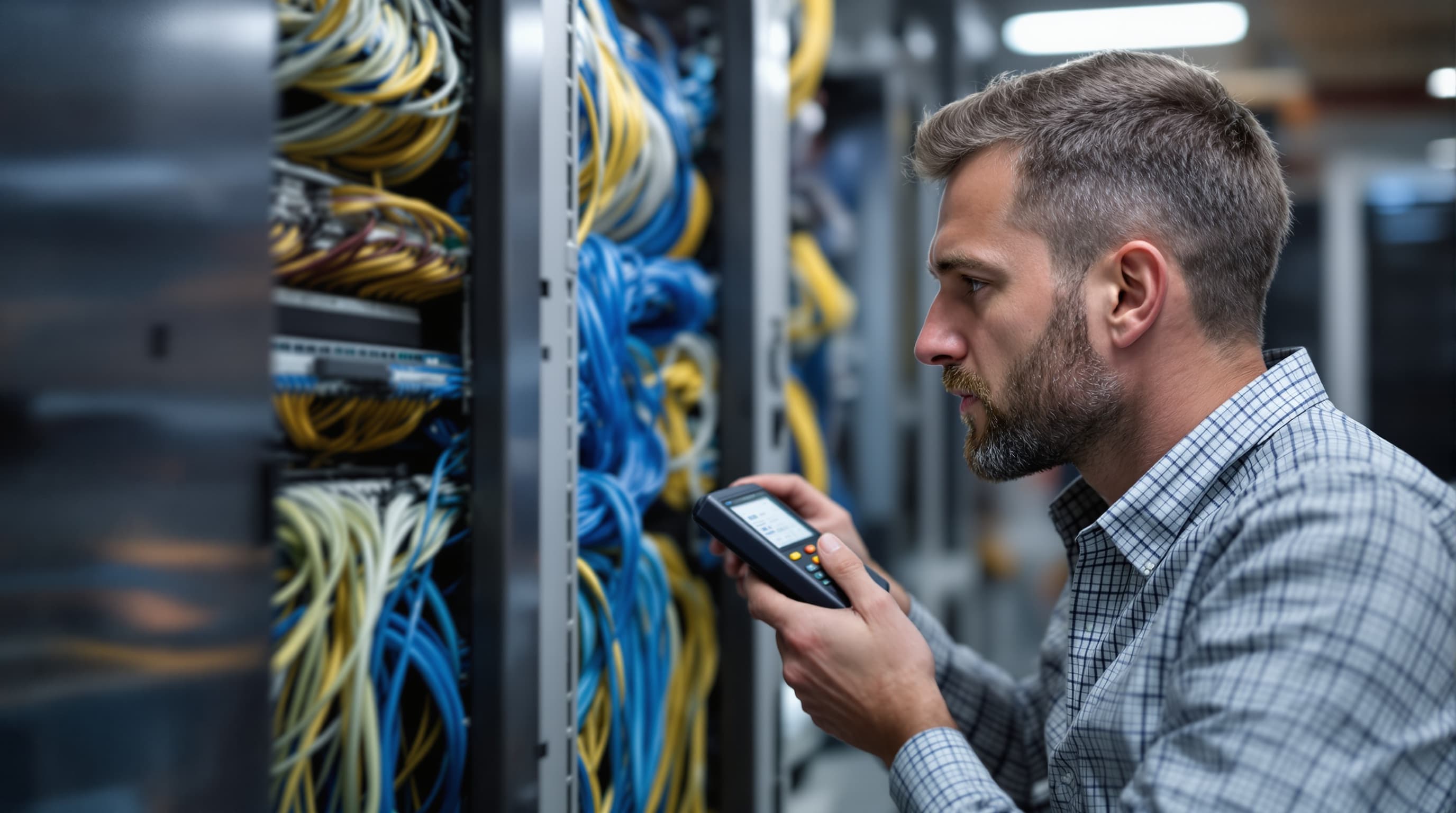
Troubleshooting, or problem analysis, is an important measure to identify and eliminate errors and problems in the IT landscape. This ensures that the system is quickly ready for use again.
Errors occur regularly in a company's IT systems. For instance, an employee frequently contacts the IT service desk with the problem of being unable to log into the system. In other situations, individual functions are unavailable or yield an undesired result. In these cases, analysing multi-faceted problems comes into play.
How does IT troubleshooting work?
On the one hand, troubleshooting consists of fault-finding. Before it is possible to solve a problem, it is important to localise it precisely. After fault-finding comes IT error resolution. In doing so, the system administrator must carry out appropriate measures to resolve the identified error and subsequently prevent it from occurring again.
By definition, IT troubleshooting therefore refers to a clearly structured approach to finding and resolving errors in the system. The structured approach significantly reduces the time required for this task. Furthermore, it increases the likelihood of finding the root cause of the error.
IT troubleshooting: particularly important after updates and changes
Troubleshooting is particularly important after an update or a change in the IT infrastructure. In medium-sized or larger companies, there are usually established processes, defined in ITIL . These contain instructions on how employees must proceed during change processes.
Before they can release the new system, a testing phase is always scheduled. Errors can occur repeatedly during this time. The cause of this may be, for example, that:
the new software is faulty
there are issues regarding compatibility with the existing system
users have to adapt their previously accustomed way of working.
To search for and resolve these errors, an intensive testing phase is important. Problems also occur relatively frequently shortly after release, making IT troubleshooting particularly important during this phase.
Therefore, trust your flexible, multi-award-winning IT expert. New Media Service GmbH (NMS) supports you with efficient IT fault-finding and rapid error resolution.
The right approach to troubleshooting
To solve problems quickly and efficiently, it is important to choose the right approach. This starts as early as the implementation of the system. You need to set this up in such a way that it makes fault-finding and rapid error resolution as easy as possible. To help you implement troubleshooting best practices in a targeted manner, NMS will be happy to help you set up and monitor your system.
The following strategy is recommended for troubleshooting
Gather sufficient information
The information provided by employees for logging problems is often inadequate. Vague statements, however, make it difficult to reproduce the error. This severely hinders fault-finding. Therefore, it is sensible to use pre-designed forms for error reporting . These ask employees for the exact steps that lead to the error.
Customise the creation of log files
When executing a program, the system generates log files containing data on the process. However, default settings ensure that this information is difficult to understand. It is therefore sensible to customise log files individually.
Customise error messages
When an error occurs, the system generates a message. However, standard error messages usually contain little information. It is therefore also recommended here to customise error messages. This makes it easier to identify the location and nature of the error.
Troubleshooting is not root cause analysis
Repairing a specific error does not mean that its underlying cause has been eliminated. In order to make the system ready for use again quickly , a thorough investigation into the root cause is often dispensed with. However, it is important to be aware that in this case the error may recur elsewhere. Determining the root cause saves time in future troubleshooting and enables efficient intervention against system errors and network problems.
Identify data
In many applications, data is passed on to vastly different parts of the system. To identify it precisely, it is recommended to use a Correlation-ID .
Monitoring programs and predictions
Monitoring programs do not only collect data on system execution. Furthermore, they issue early warnings . This makes it possible to detect errors before they have a negative impact. Predictive tools are also very helpful in avoiding problems.
Through proactive monitoring of your system environment and the preset environmental parameters, you can record and eliminate problems, before they can have a negative impact on your system. For example, it is possible to preventatively determine when a hard drive reaches its storage limit due to log files, or you can effectively tackle latency and disruptions in the corporate network before outages occur in critical situations.
NMS offers active monitoring to detect errors at an early stage. During IT system monitoring, you and other users in your company can continue working uninterrupted, monitoring takes place in the background. This saves you most of the IT troubleshooting.
Do you need support with troubleshooting?
Resolving problems is at the heart of our work.
Whether as long-term support in or reinforcing your team after updates or changes: New Media Service GmbH (NMS) helps you with day-to-day operations, system administration and IT troubleshooting. We can also support and train your employees in the correct procedure. NMS IT consultants are highly trained professionals, work reliably and in accordance with ITIL. In addition, we have excellent references.

Solutions in a new dimension.
One conversation is enough to find out where IT, Microsoft Cloud and AI can take real weight off day-to-day business.
Your contact: Daniel Penninger, Managing Director